 Kujibako
Spin the wheel
Add items and tap Spin. Change the weights, or leave winners out of the next spins.
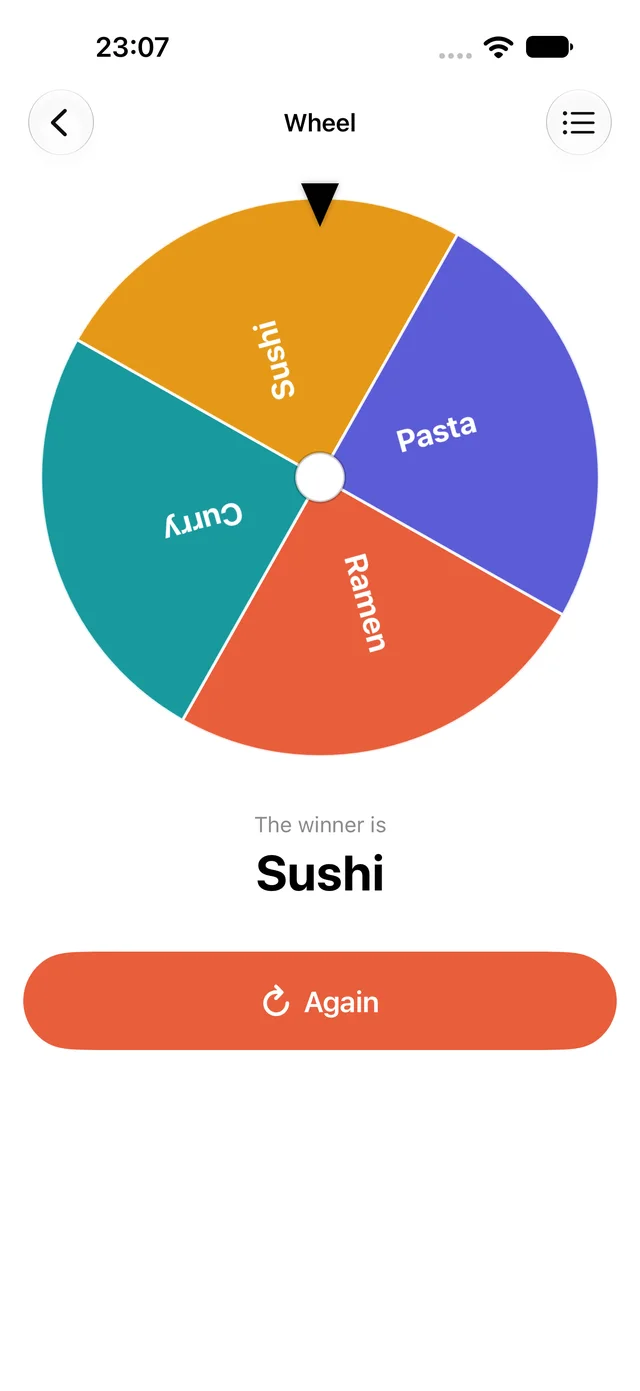
Kujibako decides the winner first, fairly, then spins so the wheel stops on that slice. How you spin doesn't change the result.
Each slice is sized by its chance. An item with weight 2 gets a slice twice as big as weight 1, and is twice as likely. The item screen shows this spin's chance for each item as a %.
How to
- Open Wheel on the home screen.
- Tap Items at the top right and add names. Separate several with commas to add them at once.
- Optionally change each item's weight (1–10). Its chance appears on the right as a %.
- To avoid picking the same person twice (chores, presentations), turn on No repeat winners.
- Tap Spin. The slice under the pointer wins and is shown large below. Tap Again to spin again.
With No repeat winners on, everyone comes back once all have won. Tap Bring winners back to reset early.
Questions
Can the result be rigged?
No. The winner comes from iOS's cryptographic random numbers, and spinning doesn't change it. The chances match the % on the item screen.
Are my items saved?
Yes, on this iPhone only. Nothing is sent anywhere.
Are there ads while spinning?
No. There are no banners or full-screen ads while spinning or on the result.
Kujibako is a free iPhone app. Removing ads is a one-time purchase.